
Ambient sounds for your flow state.
Focus better. Work smarter. Rest deeper.




New in 2.0
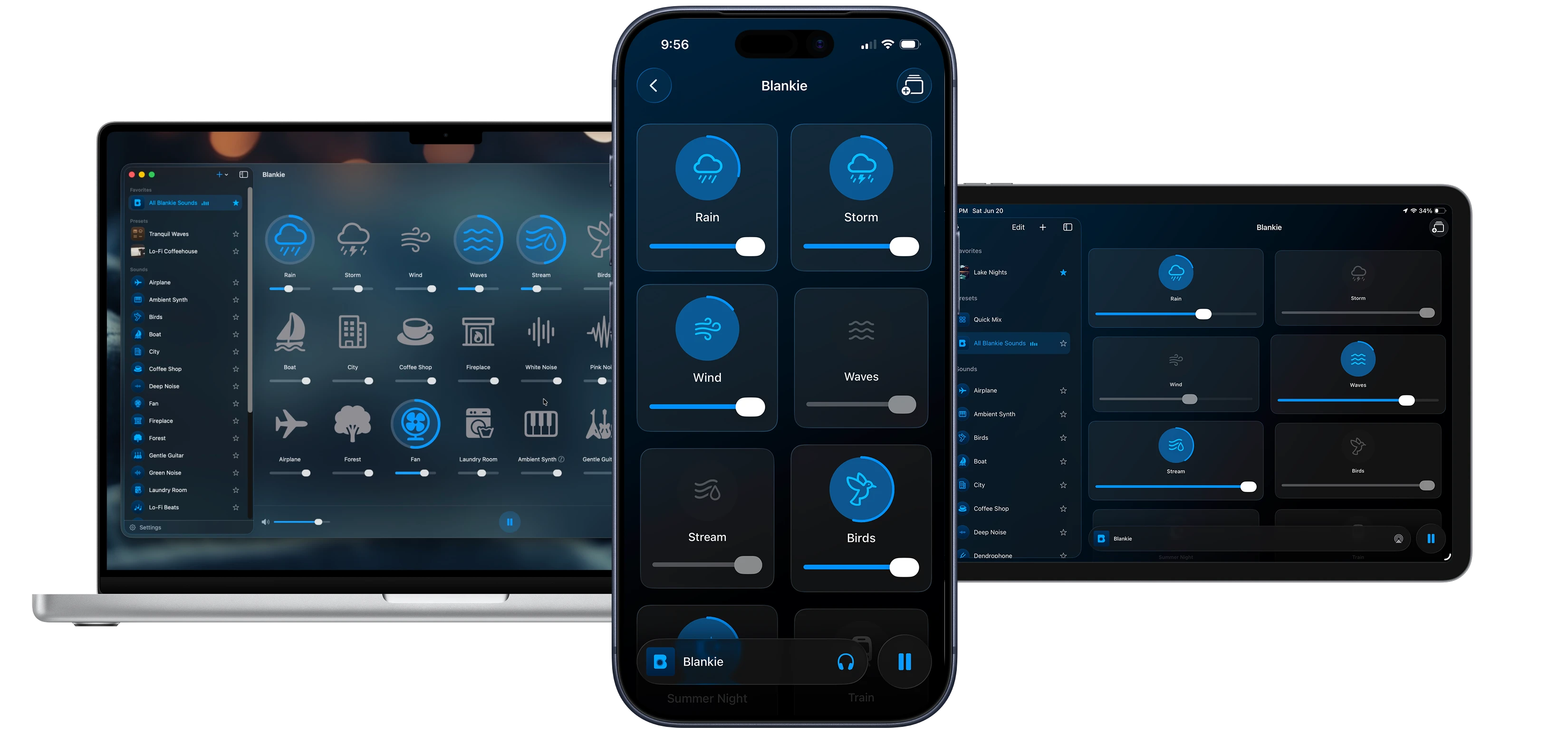
A Blankie for every screen.
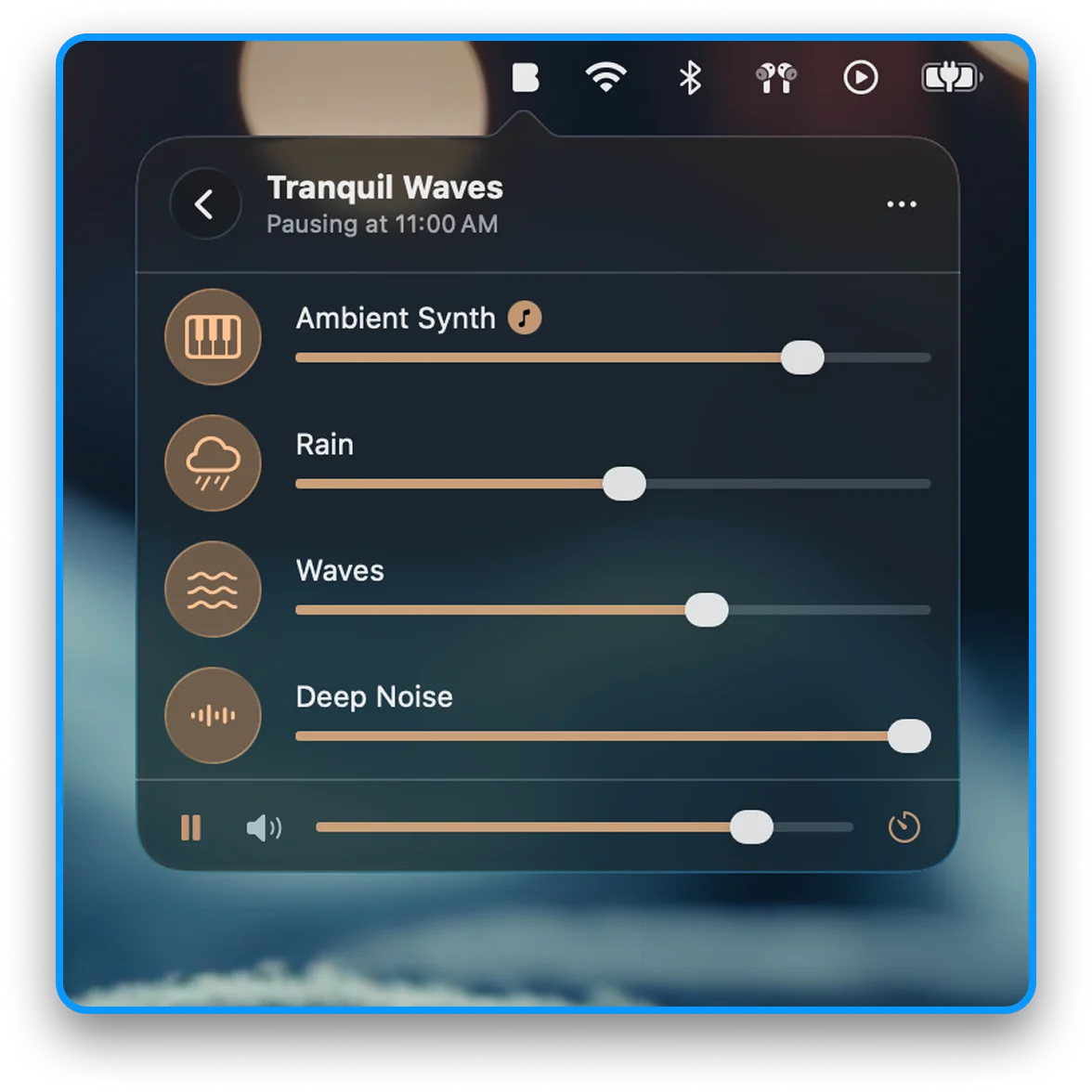
Mix from your menu bar
Start, stop and adjust your mixes right from your Mac's menu bar. You can also hide the dock icon and run Blankie completely in the background.
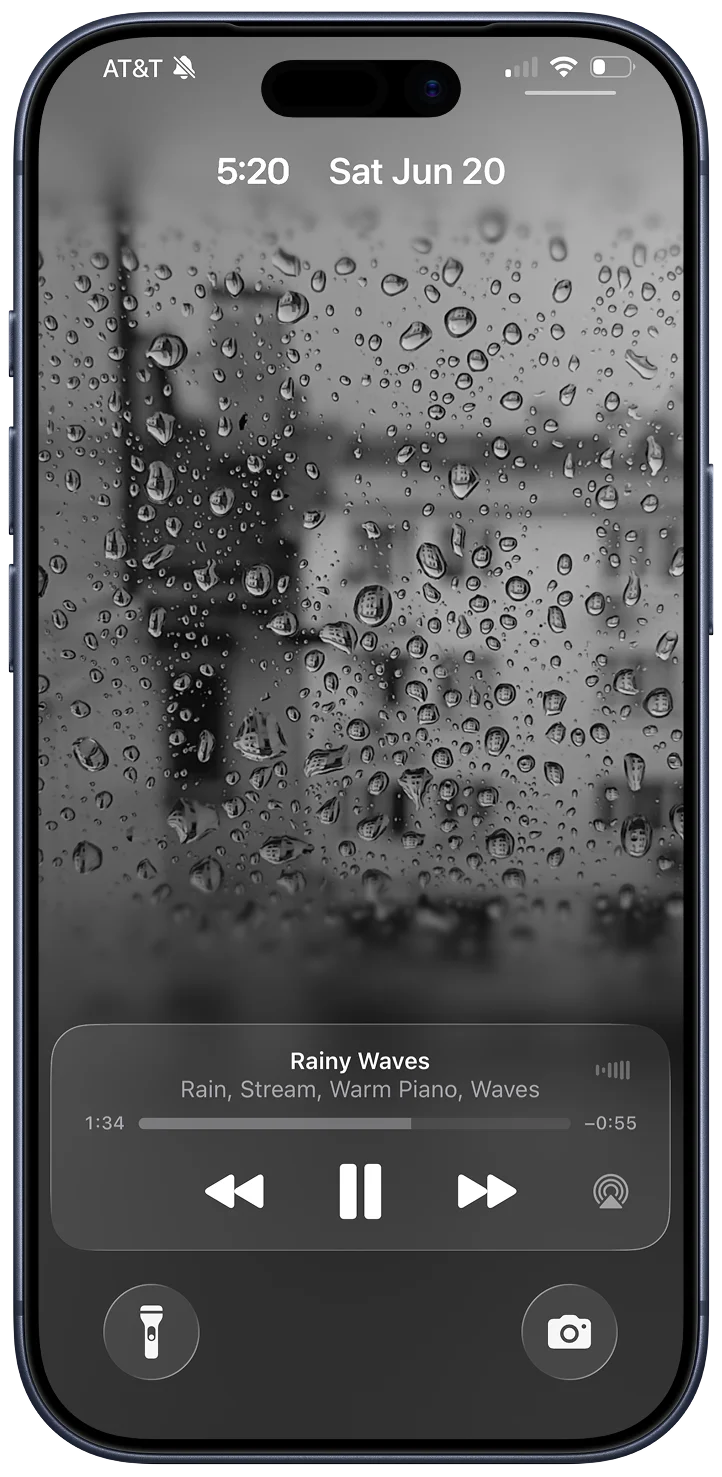
Animate your lock screen
Give any preset its own looping lockscreen artwork for a little extra peace to settle into while you listen and relax.
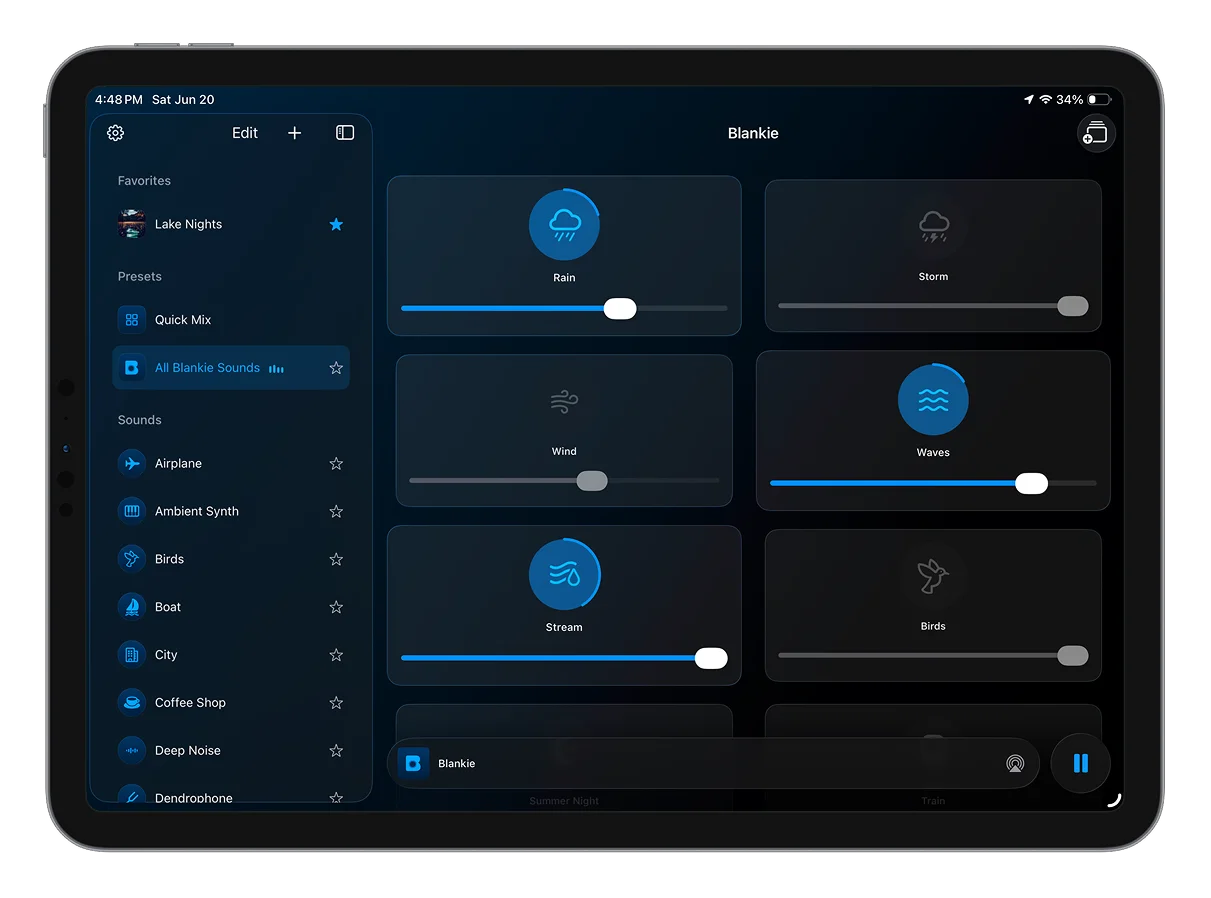
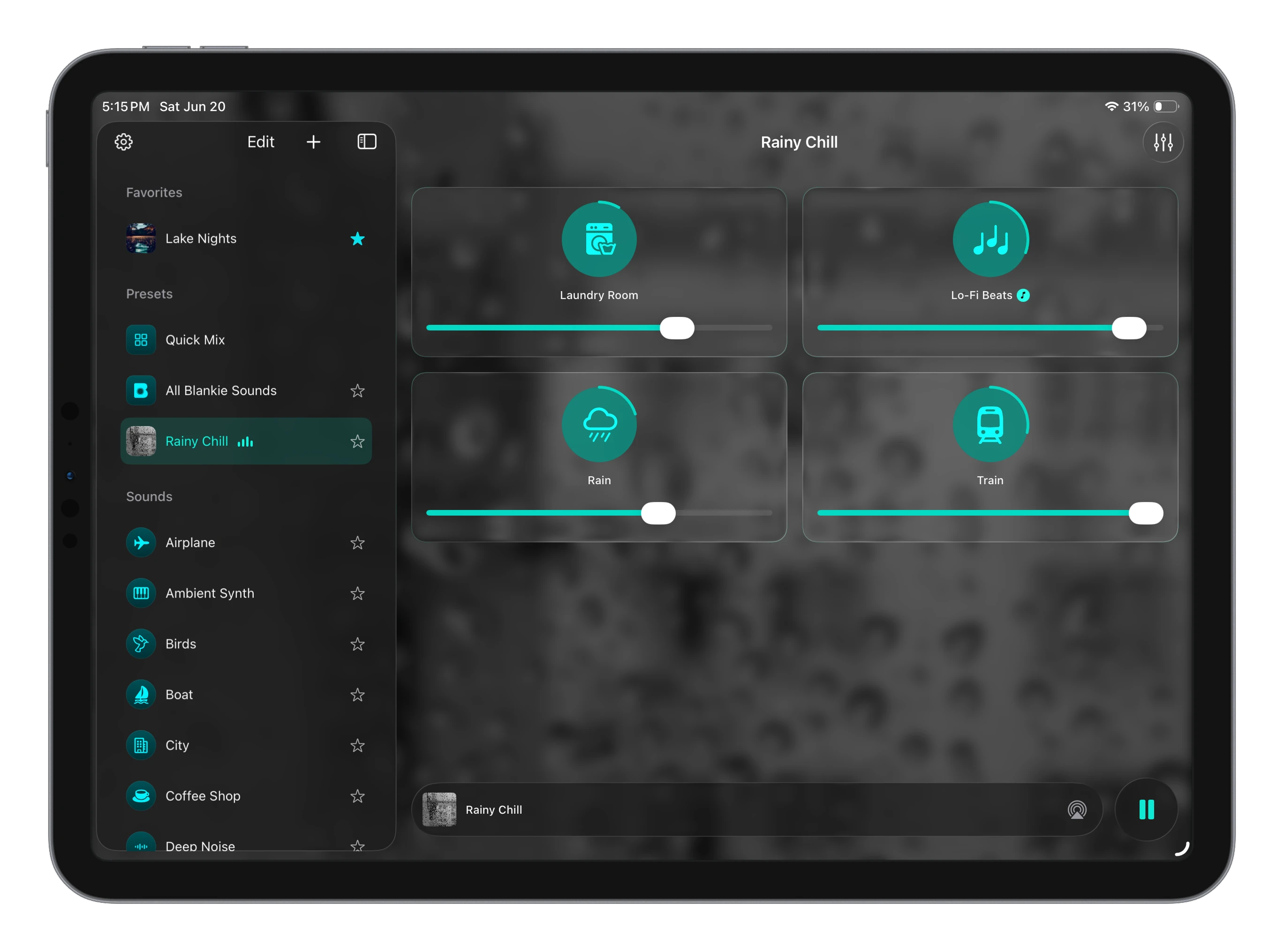
Sidebar and mixer, side by side
Your favorites and Quick Mix on the left, the full grid on the right.
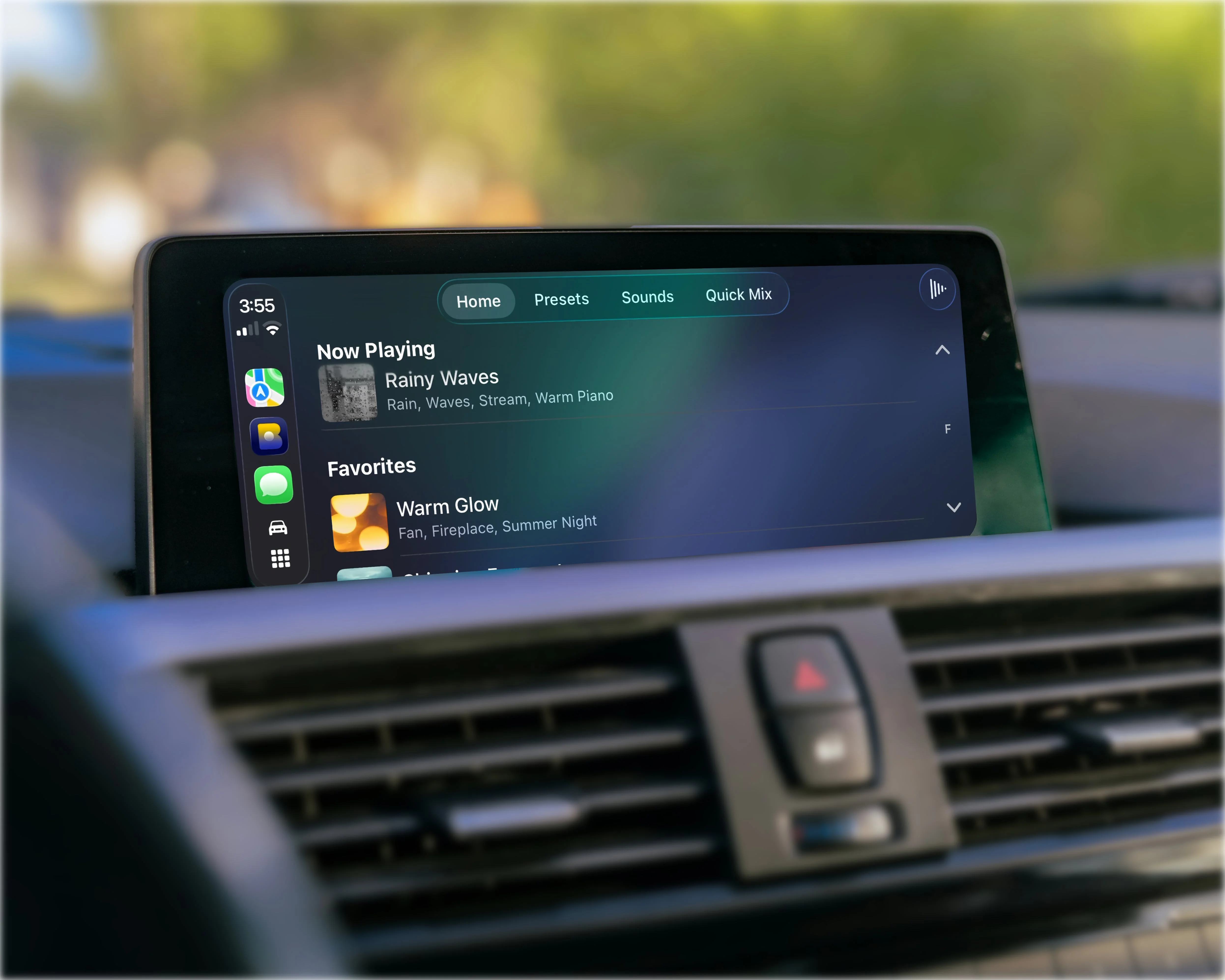
Take your peace on the road
Access your favorite presets and sounds in the car, with simple now playing controls and Quick Mix.

Mix
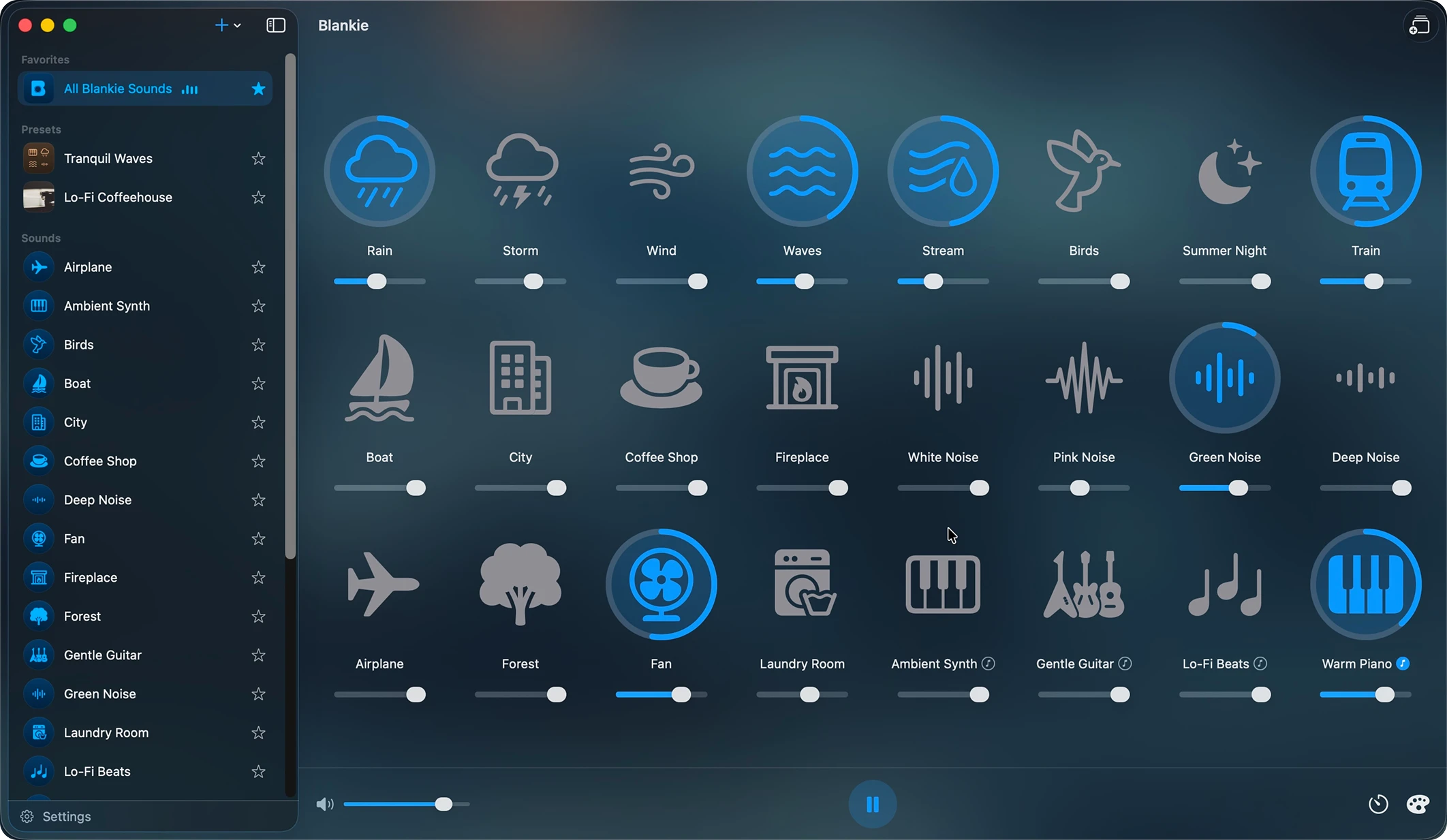
Layer as many sounds as you like.
Blankie comes with 24 built-in sounds. Start with one, add another, and keep building your soundscape until the mix feels right.
- Simple controls for each soundDial each one in until the mix feels right.
- Bring your own soundsMix and match until your soundscape is perfect.
Presets
Save your perfect mixes.
Make and save multiple mixes to revisit later. Star the ones you use most to keep them at the top.
- Rainy Day FocusGreen Noise + Rain + Lo-Fi Beats
- Out on the WaterWaves + Wind + Boat
- Cozy Night InWarm Piano + Fireplace + Wind

Sleep timer
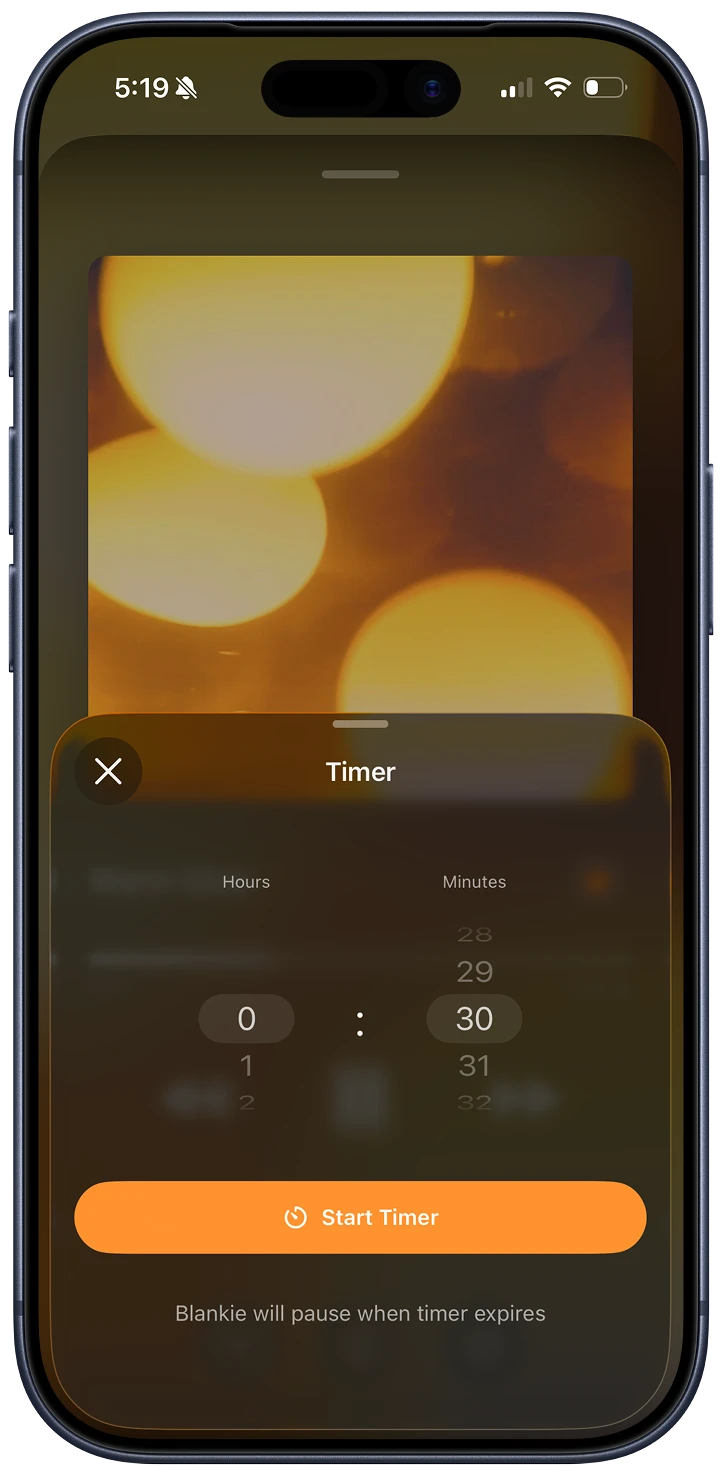
Rest all night without playing all night.
Set how long you want Blankie to play and your sounds will fade down on their own.
Customize
Make it unmistakably yours.
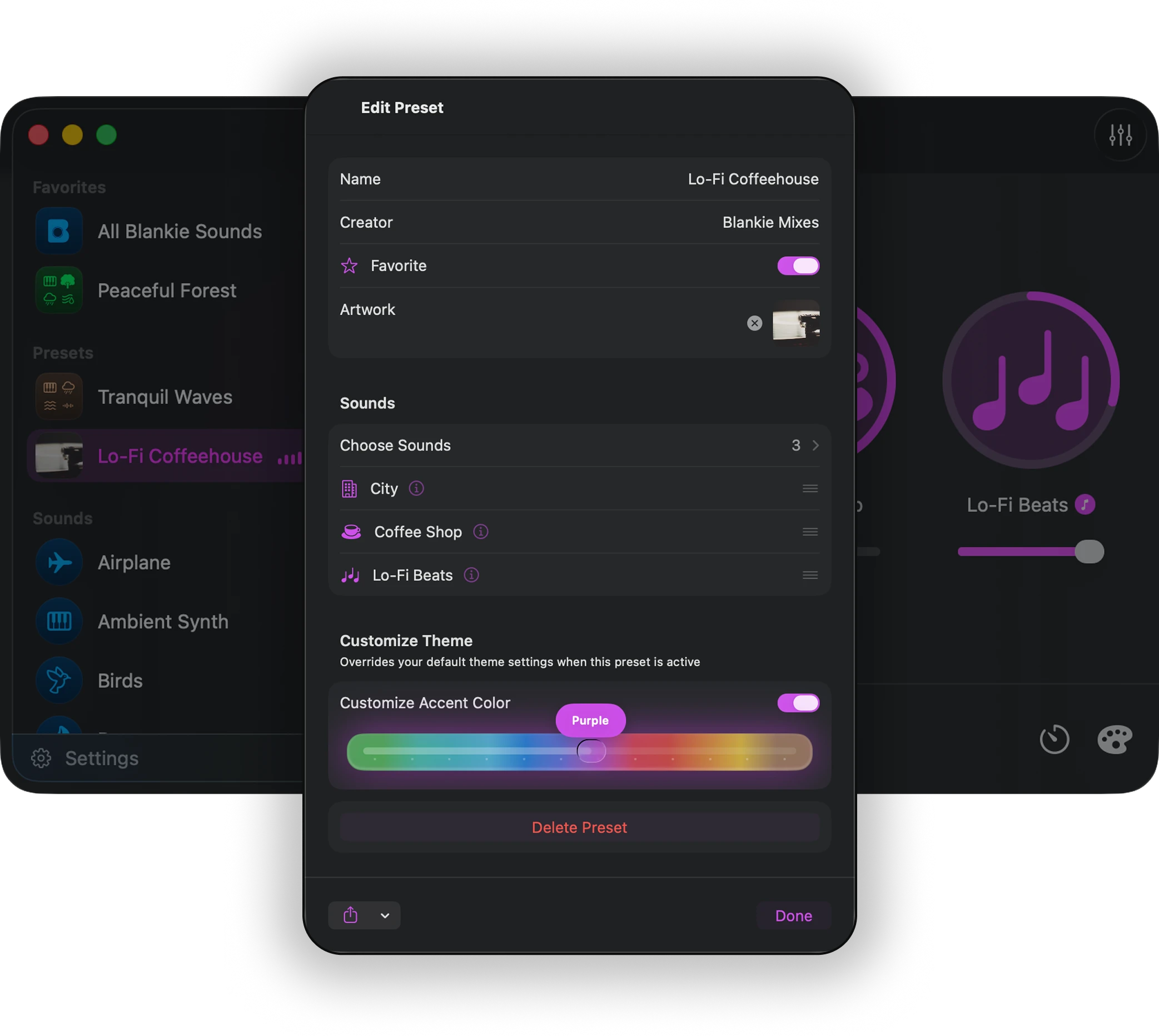
- Customize colorsSet a unique accent color for each preset
- Customize artworkSet album/background artwork for each preset.

And everything else you need to settle in.
Localized in 12 languages
Blankie is available in 12 languages, with more added all the time by community translators.
Control it everywhere
Play or pause from Control Center, headphones or media keys
Offline & private by design
Works fully offline and collects nothing about you. No ads, no subscriptions, no accounts, no tracking.
Apple IntelligenceWhere available
Blankie can suggest names and icons using the on-device AI model.
Spatial AudioExperimental
Place a preset's sounds around you on a draggable map, rendered binaurally on any headphones.
Open Source
Blankie is developed openly on GitHub and welcomes contributions from the community.
What Blankie users are saying
I want rain sounds, it makes rain sounds. I don't want anything else, I don't have to have anything else. I wish more software was this straightforward.
Perfect lightweight solution compared to having several YouTube tabs open.
It does exactly what it is meant to do in a simple, intuitive and effective way. Easy 5 stars.
So happy to have found this app, as I also use Blanket on Linux.

Blankie is 100% free, forever.
Don't rent your relaxation. While other apps charge for features, everything in Blankie is 100% free with no upsell and no data collection.