Quick Mix, Single Sounds and Presets
How Blankie's presets, Quick Mix soundboard and single-sound playback work, and how to switch between them without overwriting your saved mixes.
In Blankie you can listen to a saved preset, throw together a Quick Mix or play a single sound on its own. Switching to Quick Mix or a single sound never overwrites your saved presets.
Presets
A preset saves a group of sounds, their individual volumes and optional artwork and accent colors. Changes you make while a preset is selected save to it automatically.
Blankie also comes with a default preset called All Blankie Sounds, which includes every sound in your library (except ones marked Preset Use Only) so you have a full soundboard to test mixes on.
TIP
On iPhone, selecting a preset opens Now Playing first by default, with the Sound Mixer button right below the volume slider. If you want presets to open directly to your sound tiles, turn off Open to Now Playing in Settings → Display.
Quick Mix
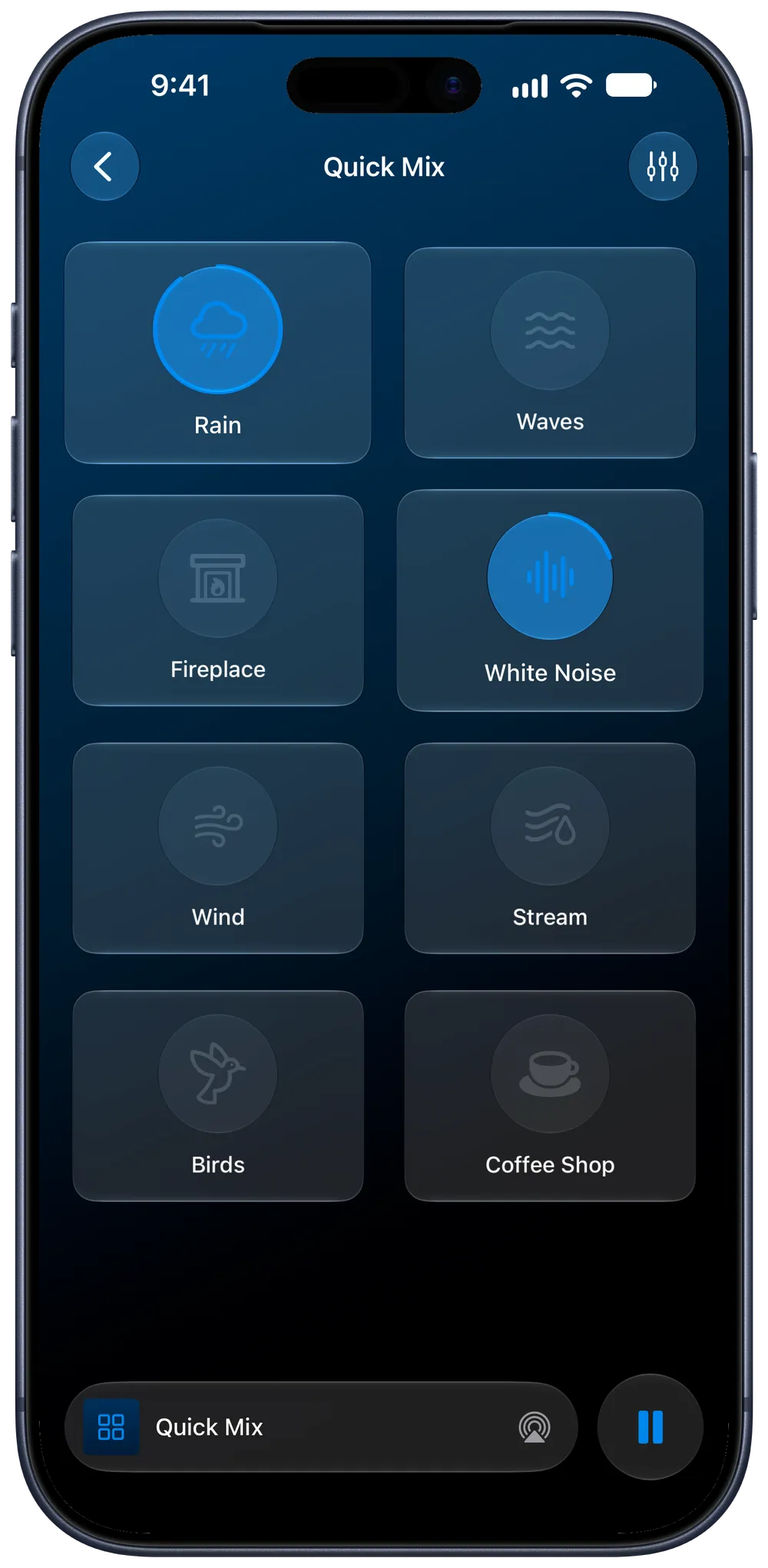
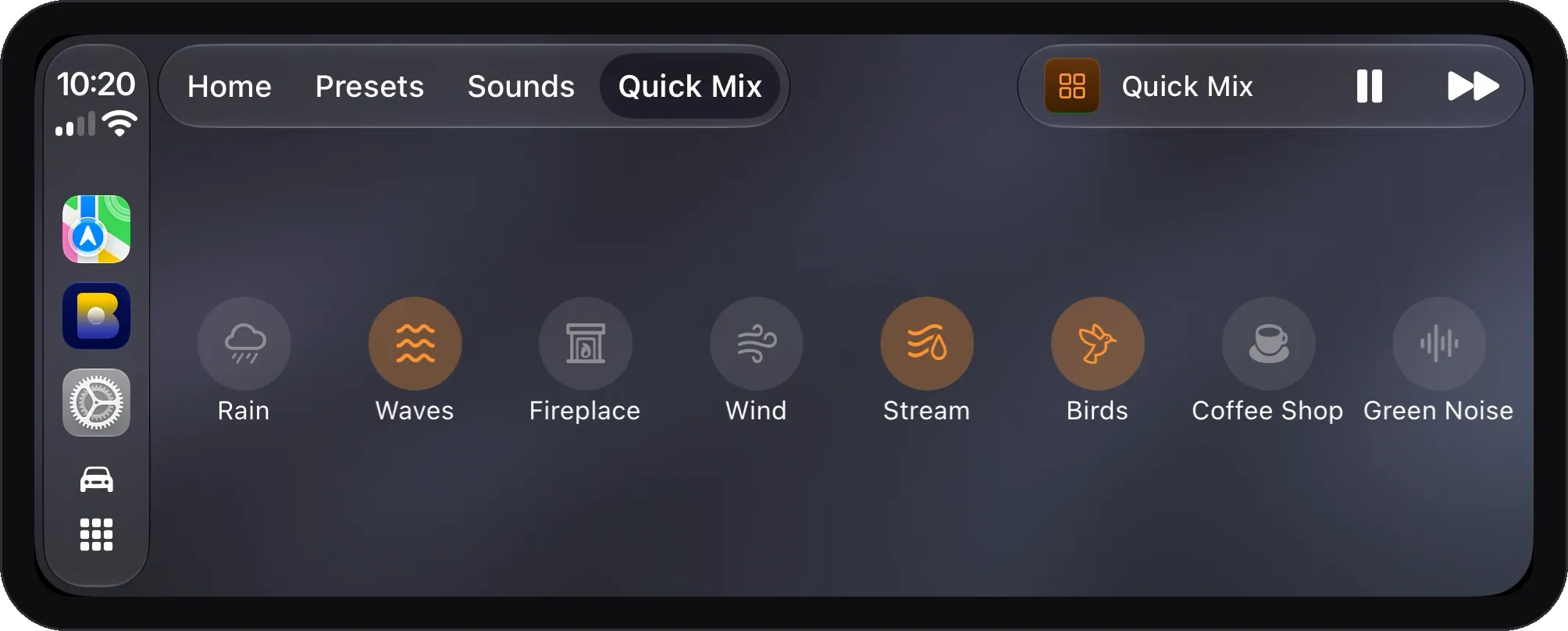
If you want to turn on rain and a fan quickly without editing a saved preset or scrolling through all 24 sounds, use Quick Mix on iPhone, iPad or CarPlay. It gives you a simple board of up to eight built-in or imported sounds:
- Tap Quick Mix at the top of Presets in your Library (or in the CarPlay tab bar) and tap any tile to toggle it on or off.
- Quick Mix always opens straight to its tiles. When you switch back to a saved preset later, that preset is still the way you left it.
- To choose which eight sounds appear on the board or change their order, open Quick Mix and tap the edit button in the toolbar.
You can also add the Quick Mix widget to your Home Screen (Control Blankie from Anywhere). On iOS 27, the portrait XL Quick Mix widget puts − and + buttons next to each sound so you can adjust individual volumes in 5% steps from your Home Screen.
Single sounds
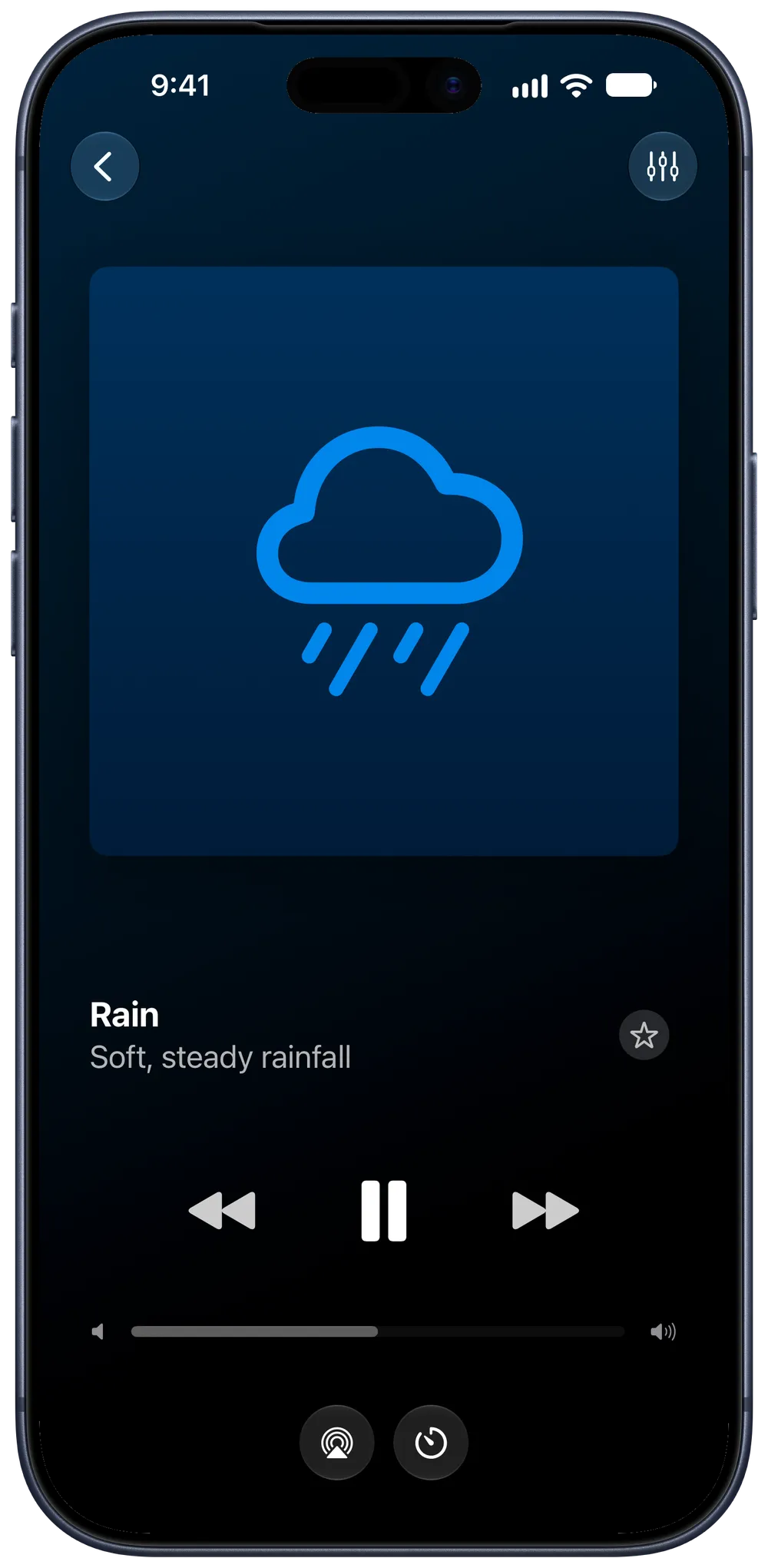
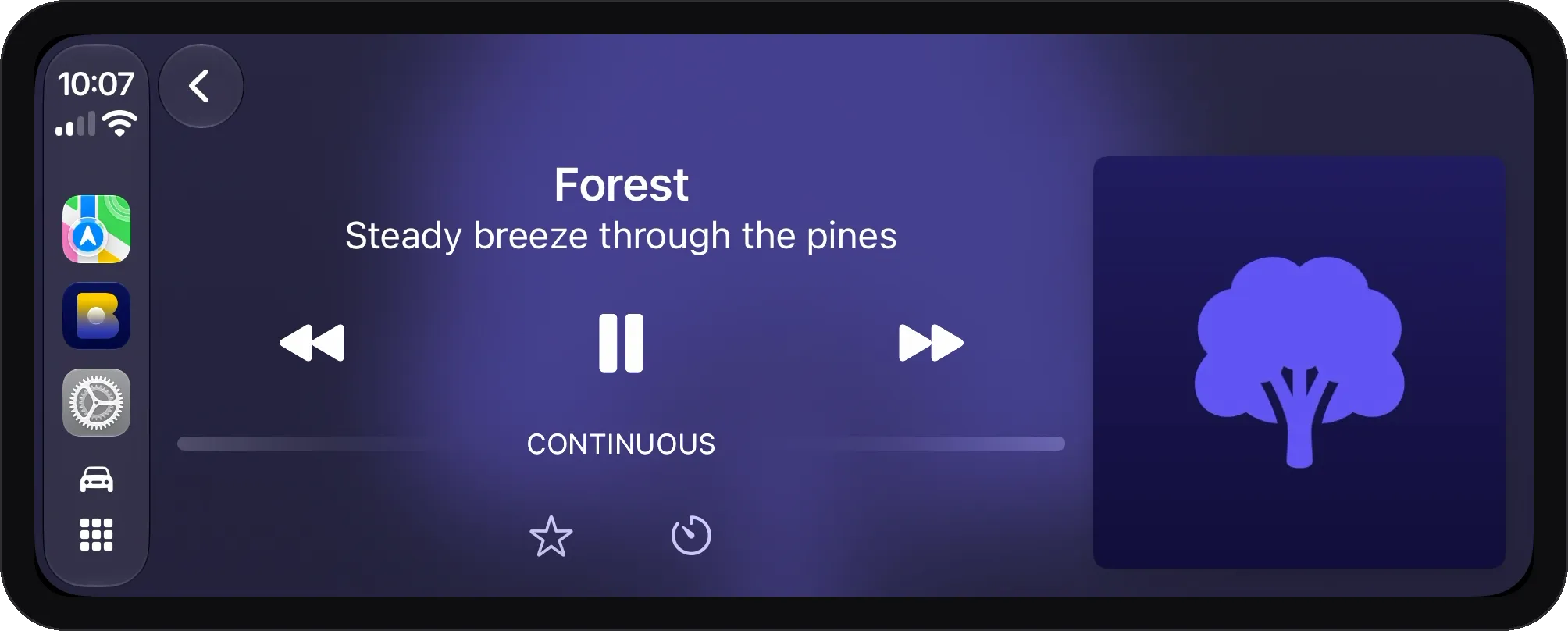
To play White Noise, Rain or Warm Piano with nothing else mixed in, select any sound under Sounds in your Library:
- Blankie plays that sound on its own and shows its icon and subtitle (such as "Soft, steady rainfall") in Now Playing, on the Lock Screen and in CarPlay.
- Your saved presets stay untouched.
- Tap the star next to any sound in your Library to add it to Favorites alongside your starred presets. Starred sounds appear in the Favorites widget, on CarPlay's Home tab and when you press Previous or Next on your headphones or keyboard.
- Asking Siri to "Start a sound in Blankie" also starts that sound on its own.
Keep reading
Create and Theme Presets
Save your favorite ambient sound mixes as presets in Blankie, then give each one its own artwork and accent color. Create, edit, theme, favorite and switch soundscapes for sleep and focus.
Read the guide Blankie BasicsControl Blankie from Anywhere
Control Blankie with widgets, Siri, Shortcuts, Spotlight, the Mac menu bar, headphones, media keys, the Lock Screen, Control Center and CarPlay.
Read the guide Blankie BasicsBlankie on CarPlay
Play ambient sounds while you drive. Blankie's CarPlay app keeps your presets, favorites, sleep timer and a quick sound mixer one tap away on the dashboard.
Read the guideBlankie is free, forever.
No ads, no paywalls and no privacy tradeoffs. Mix adjustable ambient sounds into your own soundscapes for sleep, rest and focus on iPhone, iPad, CarPlay and Mac.

